Paper records and registers
Plan how your clinic will move core client, pet, appointment, vaccination, billing and stock workflows into a structured digital system.

Migration support
PetAladdin helps veterinary clinics plan the move from paper records, spreadsheets, desktop software or disconnected tools into one cloud veterinary practice management system.
Start with the workflows your clinic needs most, prepare the right data and help your team adopt the system step by step.
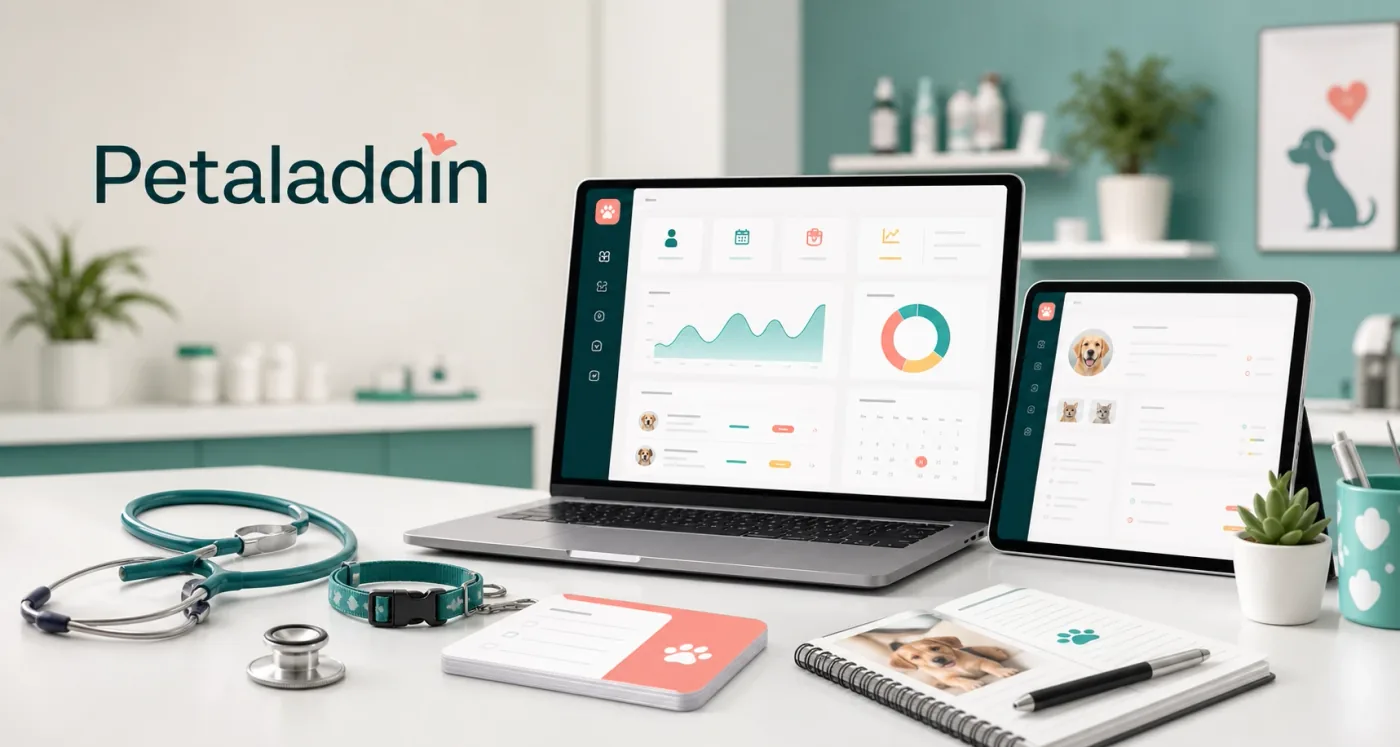
Why migration planning matters
This section explains how clinics can move from manual records and disconnected tools into a clearer cloud workflow without disrupting the clinic day.
Veterinary clinics often have important information split across paper files, registers, spreadsheets, WhatsApp messages, desktop tools and staff memory. Moving everything blindly can create more confusion.
PetAladdin migration support focuses on understanding your current workflow, choosing the right launch priorities and helping your team move into connected daily operations with less friction.
Migration paths
Whether your clinic is mostly manual or already using software, the move should match your real operating style.
Plan how your clinic will move core client, pet, appointment, vaccination, billing and stock workflows into a structured digital system.
Review spreadsheet-based client lists, inventory sheets, reminder lists and reports before moving to connected clinic workflows.
Map existing clinic operations to PetAladdin so your team can reduce dependency on one local computer or disconnected setup.
Bring front desk, doctors, pharmacy, billing, inventory, reminders and reporting into one shared veterinary PIMS workflow.
Support steps
PetAladdin helps clinics think through the setup before the team starts using the system every day.
Understand how your clinic currently handles appointments, consultations, prescriptions, billing, inventory, reminders and reports.
Identify the useful records your team wants to carry forward, such as client details, pet profiles, products, services and reminder lists.
Configure the PetAladdin areas your clinic needs first, then expand into more workflows as the team becomes comfortable.
Help doctors, reception, billing, pharmacy and owners understand their daily workflows and role-based access needs.
Choose a practical starting point for your clinic so the team can begin using PetAladdin without disrupting patient care.
Review early usage, clean up workflow gaps and identify the next modules or reports to improve after launch.
Preparation checklist
A simple checklist helps your team decide what should be cleaned, carried forward or rebuilt in PetAladdin.
Benefits
This section explains how the PetAladdin workflow supports this part of veterinary clinic management in a clear, connected way.
Frequently Asked Questions
Yes. PetAladdin migration support can help clinics plan how to move from paper registers and manual records into structured digital workflows.
Yes. Existing spreadsheets can be reviewed to identify useful client, pet, product, reminder or inventory data before setup.
PetAladdin is cloud veterinary practice management software and can help clinics move away from local desktop dependency. The migration approach depends on the current software and available data.
Not always. Many clinics start with the most important workflows first, such as appointments, consultations, billing, inventory or reminders, then expand after the team is comfortable.
Team onboarding and workflow guidance can be discussed during demo and setup planning so doctors, reception, billing and managers know how to use their daily workflows.
Planning a switch to PetAladdin?